When an alert hits your system, there’s a split-second decision that determines how long it lingers: Can Tier-1 handle this—or should we escalate?
Now multiply that by hundreds of alerts a month, across teams, time zones, and shifts—and you’ve got a pattern of knee-jerk escalations, duplicated effort, and drained senior engineers stuck cleaning up tickets that shouldn’t have reached them in the first place.
Most companies don’t lack talent—they lack escalation logic. They escalate based on panic, not process.
Here’s how incident software can help you fix that—by structuring each tier with rules, boundaries, and built-in context, so your team knows who handles what, when, and how—without guessing.
The Real Problem with Tiered Escalation (And It’s Not What You Think)
Most escalation flows look clean—on slides. In reality? It’s a maze of sticky notes, gut decisions, and “just pass it to Tier-2” habits.
Here’s what usually goes wrong:
- Tier-1 holds on too long—hoping to fix it, wasting response time
- Or escalates too soon—with barely any context
- Tier-2 gets it, but has to re-diagnose because there’s no trace of what’s been done
- Tier-3 ends up firefighting issues that were never filtered properly
Why does this happen? Because escalation is treated like a transfer, not a transition. And without boundary-setting and logic, even the best software ends up becoming a digital dumping ground.
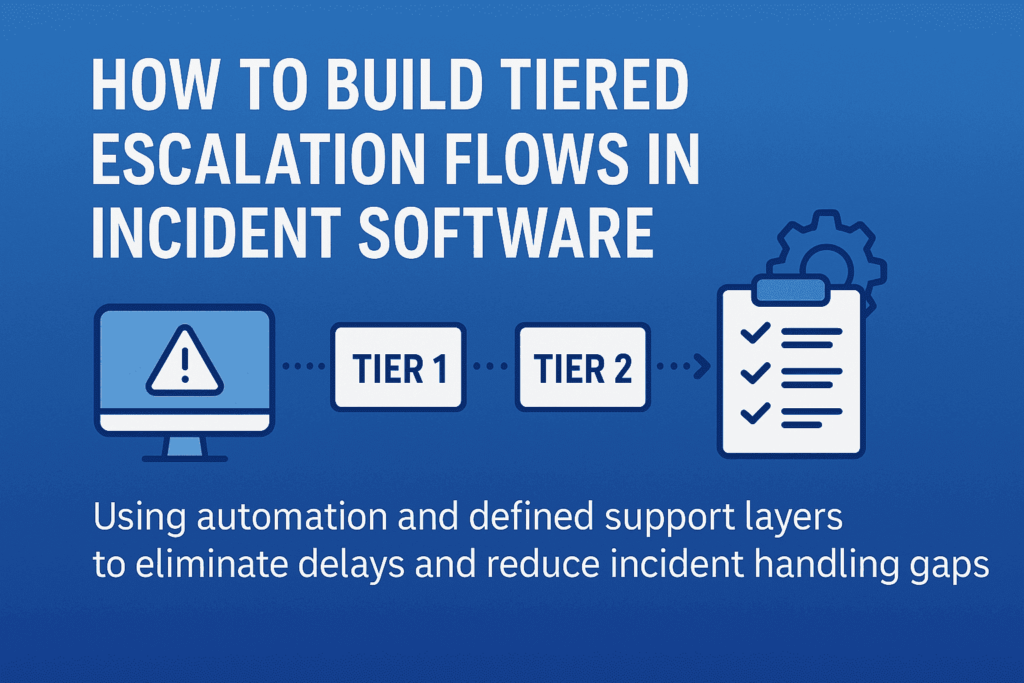
That’s where structured escalation flows come in—not as static chains, but as decision systems. A well-designed incident management software helps implement these decision systems by aligning every tier’s scope, rules, and responsibilities. Each tier should know:
- What they’re expected to solve
- What criteria justifies escalation
- What information must be attached before passing the baton
Anything less than that—and escalation just becomes escalation theater.
Structuring Escalation Logic: What Should Happen at Each Tier (with Boundaries)
Escalation tiers aren’t ranks—they’re response layers with different scopes of authority, context, and tools. Here’s how to structure them so everyone acts, not just reacts.
Tier-1: Containment and Categorization—Not Root Cause
Tier-1 isn’t there to solve deep problems. They’re the first line of control—triaging, logging, and assigning severity. But often they’re blamed for “not solving” what they were never supposed to.
Here’s what Tier-1 should do:
- Acknowledge the alert within the SLA window
- Check for known issues in a predefined knowledge base or past tickets
- Apply initial containment steps (e.g., restart service, check logs, run diagnostics)
- Classify and tag the incident: severity, affected system, known symptoms
- Escalate with structured context (timestamp, steps tried, confidence level)
Your incident management software should enforce these checkpoints—nothing escalates without it. That’s how you stop Tier-2 from becoming Tier-1 with more tools.
Tier-2: Deep Dive, Recurrence Detection, Cross-System Insight
This team investigates why it happened, not just what happened. They work across services, APIs, and dependencies—often comparing live and historical data.
What should your software enable for Tier-2?
- Access to full incident history, including diagnostic steps from Tier-1
- Ability to cross-reference logs across services or clusters
- Contextual linking to other open or past incidents (if this looks like déjà vu, it probably is)
- Authority to apply temporary fixes—but flag for deeper RCA (root cause analysis) if needed
Tier-2 should only escalate if systemic issues are detected, or if business impact requires strategic trade-offs.
Tier-3: Permanent Fixes and Strategic Prevention
By the time an incident reaches Tier-3, it’s no longer about restoring function—it’s about preventing it from happening again.
They need:
- Full access to code, configuration, and deployment pipelines
- The authority to roll out permanent fixes (sometimes involving product or architecture changes)
- Visibility into broader impact: Is this a one-off? A design flaw? A risk to SLAs?
Tier-3’s involvement should trigger documentation, backlog tickets, and perhaps even blameless postmortems. Escalating to Tier-3 isn’t a failure—it’s an investment in system resilience.
Building Escalation into Your Incident Management Software (So It’s Not Just a Ticket System)
Most incident tools act like inboxes—they collect alerts. But to support real escalation, your software needs to behave more like a decision layer, not a passive log.
Here’s how that looks in practice.
1. Tier-Based Views
When a critical alert fires, who sees it? If everyone on-call sees every ticket, it dilutes urgency. Tier-based visibility means:
- Tier-1 sees only what’s within their response scope
- Tier-2 gets automatically alerted when severity or affected systems cross thresholds
- Tier-3 only gets pulled when systemic patterns emerge or human escalation occurs
This removes alert fatigue and brings sharp clarity to ownership. No more “who’s handling this?”
2. Escalation Triggers
Your escalation shouldn’t rely on someone deciding when to escalate. The system should flag it:
- If Tier-1 exceeds time to resolve
- If the same alert repeats within X hours
- If affected services reach a certain business threshold (e.g., customer-facing)
These triggers can auto-create a Tier-2 task, notify SMEs, or even open an incident war room with pre-set stakeholders. Think: decision trees with automation.
3. Context-Rich Handoffs
Escalation often breaks because Tier-2 or Tier-3 gets raw alerts, not narratives. Your software should automatically pull and attach:
- Initial diagnostics
- Steps already taken
- System health graphs
- Previous related incidents
- Logs, screenshots, and even Slack threads
This isn’t a “notes” field. It’s structured metadata that keeps context alive without relying on the person escalating.
4. Accountability Logging
A smooth escalation trail helps teams learn from the incident—not just survive it.
Your incident software should:
- Timestamp every handoff
- Record who escalated, when, and why
- Show what actions were taken at each tier
- Auto-generate a timeline for RCA documentation
This makes postmortems fast, fair, and actionable—not hours of Slack archaeology.
When escalation logic is embedded, not documented, incident response becomes faster and repeatable—even under pressure.
Common Pitfalls in Building Escalation Structures (And How to Avoid Them)
While creating a smooth escalation flow sounds simple, there are a few common traps teams fall into when setting up incident management systems. Avoiding these pitfalls ensures your escalation flows work as they should when the pressure is on.
1. Overcomplicating Escalation Triggers
Adding too many layers or overly complex conditions for when an escalation should happen can slow down response times. Overcomplicating escalation rules can lead to delays and miscommunication.
Keep escalation triggers simple but actionable. Aim for a few critical conditions that must be met before escalating to the next tier. This keeps teams focused on responding, not searching through layers of complexity. For example:
- If a high-severity incident hasn’t been addressed in 15 minutes, auto-escalate.
- If a service has reached 80% of capacity for over 5 minutes, escalate to Tier-2.
2. Lack of Clear Ownership at Each Tier
When there’s uncertainty about who owns a ticket, or ownership isn’t transferred clearly between teams, things slip through the cracks. This creates chaos and miscommunication when escalation happens.
Be clear on ownership at each level. Your incident software should make this explicit. Tier-1 should know exactly what they’re accountable for, Tier-2 should know the moment a critical incident is escalated, and Tier-3 should immediately see the complete context for action.
Set default owners for every tier, with auto-assignment based on workload. This eliminates ambiguity during time-sensitive situations.
3. Underestimating the Importance of Context
Escalations often fail because they happen without context. Passing a vague or incomplete incident to the next team creates bottlenecks.
Ensure context-rich handoffs with every escalation. As mentioned earlier, integrate tools for pulling in logs, diagnostics, service health, and team notes. The team at the next tier should be able to understand the incident as if they’ve been working on it from the start. This also enables smoother collaboration when escalation happens.
4. Ignoring the Post-Incident Learning Loop
Once the incident is resolved, many teams close the issue and move on, forgetting to analyze what went wrong and what can be improved in the future.
Incorporate a feedback loop into your escalation process. Your incident management software should allow teams to mark incidents as “postmortem required” with a direct link to learning resources. Encourage root-cause analysis (RCA) after every major incident, with automated templates to capture key findings from each escalation level.
By analyzing the incident flow, you’ll uncover bottlenecks or gaps in your escalation structure and refine it over time.
5. Failing to Test the Escalation Flow
Thinking the system will work perfectly the first time is a mistake. Incident software can fail when escalations aren’t tested under realistic conditions, leading to inefficiencies during actual events.
Test your escalation flows regularly. Simulate incidents with different severity levels to see how your system handles real-time escalations. Bring in Tier-1, Tier-2, and Tier-3 teams to practice. Conduct fire drills to identify weak spots in your escalation logic and ensure everyone knows their responsibilities under pressure.
Wrapping Up
Effective escalation flows aren’t just about ticket management—they are a strategy for ensuring that your team can respond to critical incidents swiftly and intelligently. By avoiding common pitfalls, maintaining clear ownership, integrating automation, and testing your system regularly, you can build an escalation flow that’s ready to handle any challenge, no matter how urgent.
At SCS Tech, we specialize in crafting tailored escalation strategies that help businesses maintain control and efficiency during high-pressure situations. Ready to streamline your escalation process and ensure faster resolutions? Contact SCS Tech today to learn how we can optimize your systems for stability and success.